Jump to an article or press Enter to search all help pages.
Storefront extensions
After Face Age is published, you can add four optional theme blocks to your Shopify storefront. Each block uses the customer’s latest skin analysis to keep shopping more personal.
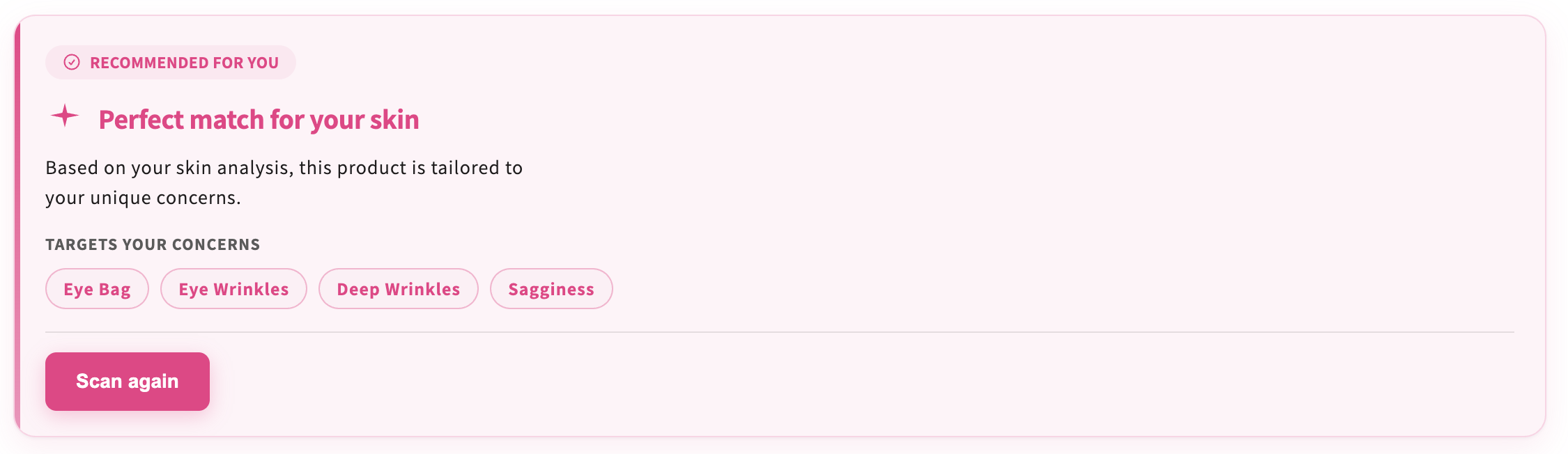
Product Insight Product page only
Shows whether the current product matches the customer’s skin analysis. After a scan, the block can mark the item as recommended, list the concerns it targets (for example eye bags or wrinkles), and offer a Scan again button.
Placement: add this block only on a product page template. It is not available on the homepage, collection pages, or other templates.
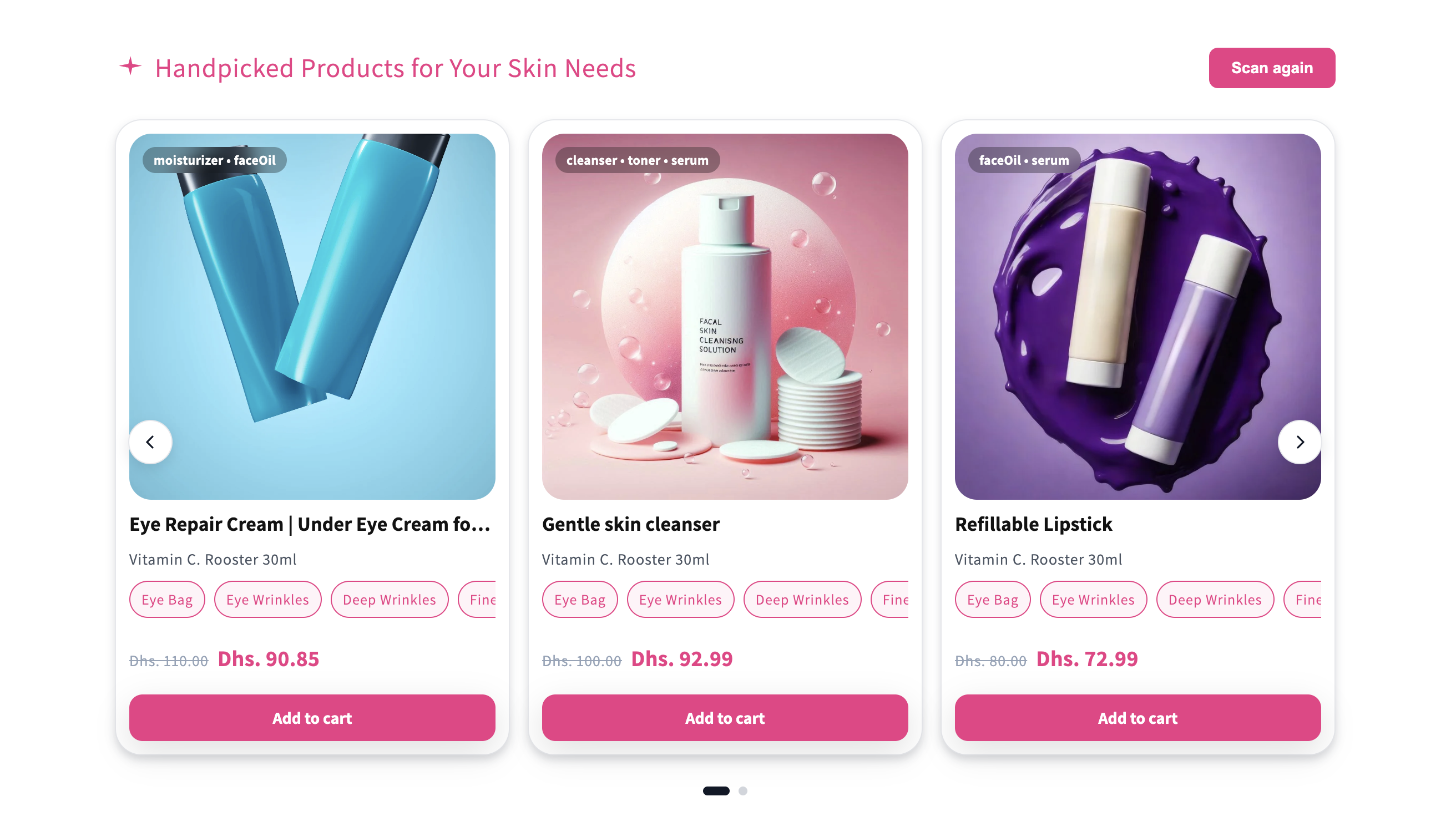
Customer Recommended Products
A carousel of products Face Age picked from the customer’s analysis. Each card can show concern tags, price, and Add to cart, so shoppers can move from results to checkout without leaving the page.
Use it on the homepage, collection pages, a dedicated results area, or below the Skin Analyzer section.
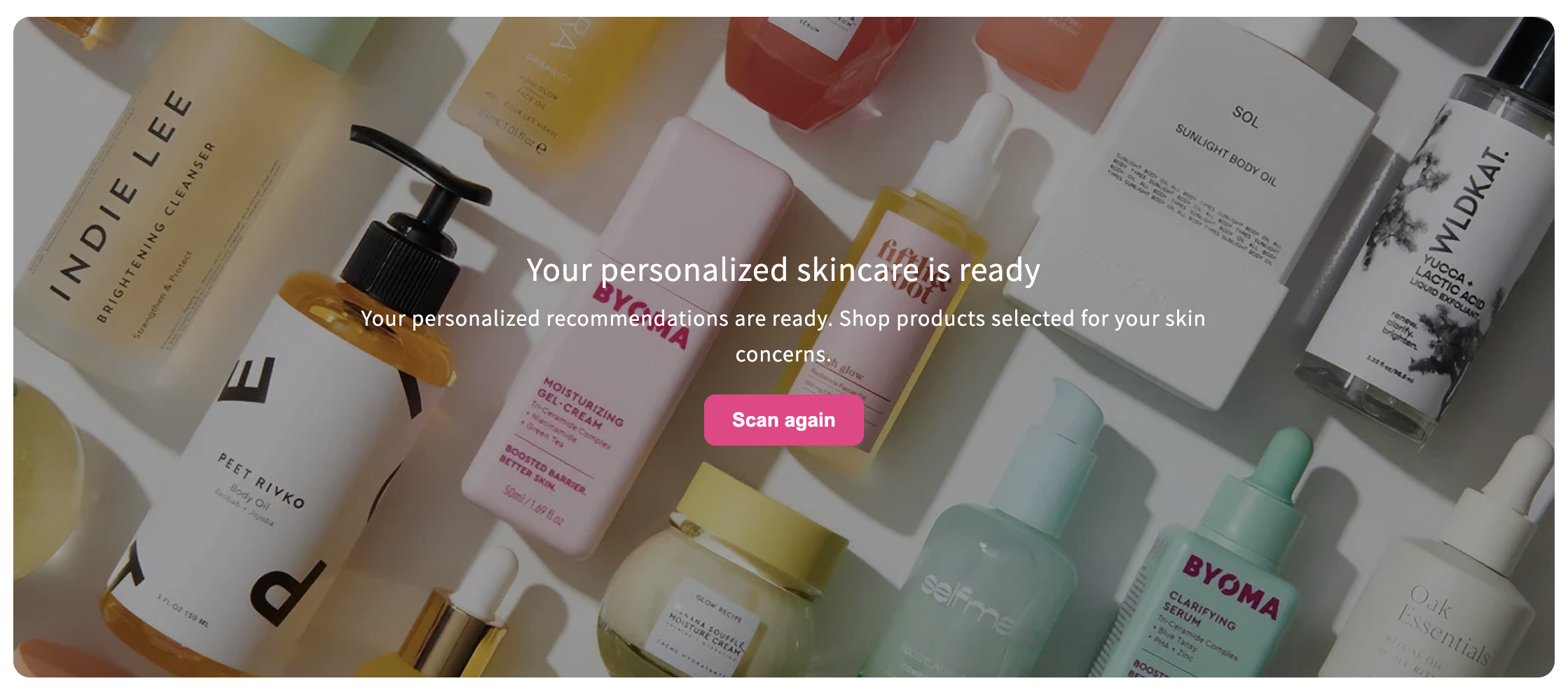
Encouragement Banner
A full-width banner that invites the customer back into the experience — for example “Your personalized skincare is ready” with a scan or shop call-to-action. Use it to recover shoppers who analyzed once and have not returned.
Works well on the homepage, collection pages, or near analysis results.
Customer Analysis History
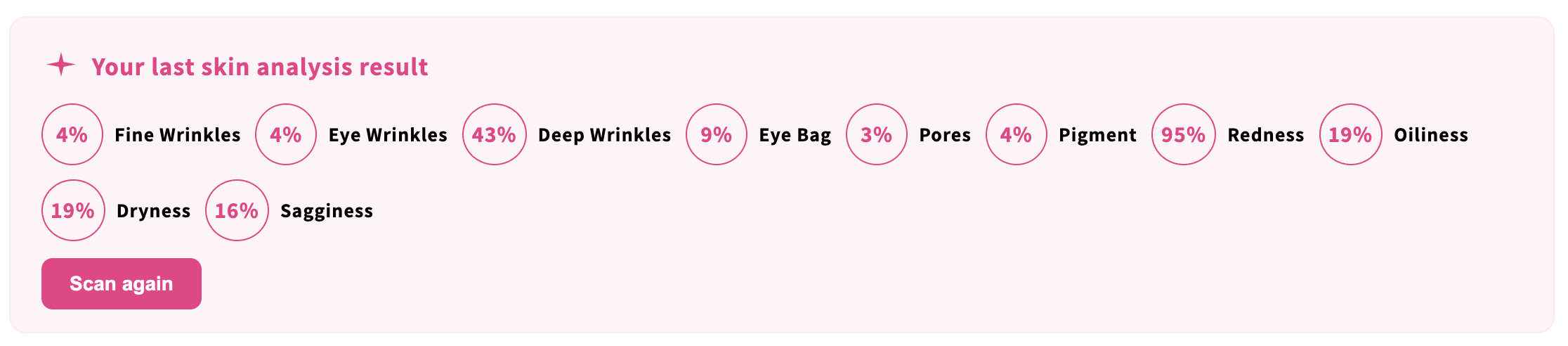
Shows the customer’s latest skin analysis scores — wrinkles, pores, redness, dryness, and other metrics — plus a Scan again button. Returning shoppers can see where they left off instead of starting from scratch.
Pair this with API or hybrid history storage if you want results to persist across devices. See Analysis history.
How to add a storefront extension
- Open Shopify Admin.
- Go to Online Store → Themes.
- Click Customize on your active theme.
- Open the template where the block should appear. For Product Insight, choose a product template.
- Add an app block and select the Face Age extension.
- Adjust colors, type, and placement to match your theme.
- Click Save.
Customization options
Each extension can follow your store branding: colors, typography, spacing, layout, and button styles.